PRODUCT PHOTOS & AD CREATIVES
Create product photos with AI – from a simple phone photo.
No photo studio, no editing software: upload a photo of your product and get product photos in a studio, a lifestyle scene or a graphic set – as single images, a photo wall or straight away as an ad.
WHAT IT LOOKS LIKE
From a phone photo to a photo wall and a finished ad
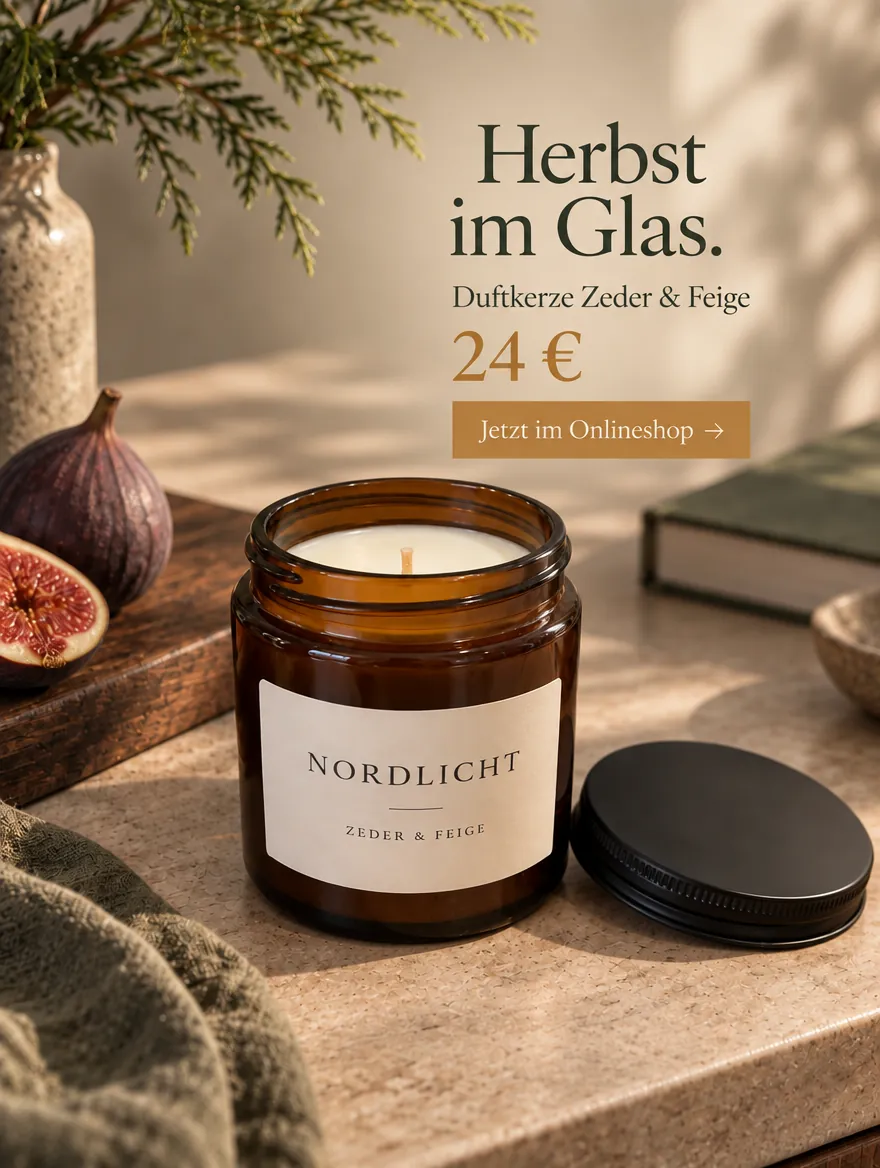
The starting point was a plain photo on a kitchen counter. It became four targeted shots – hero shot, new angle, close-up and in context – and the in-context shot became an ad poster with custom copy and a price. The product is a fictional demo; the images come from the same product workflow you use in the studio.
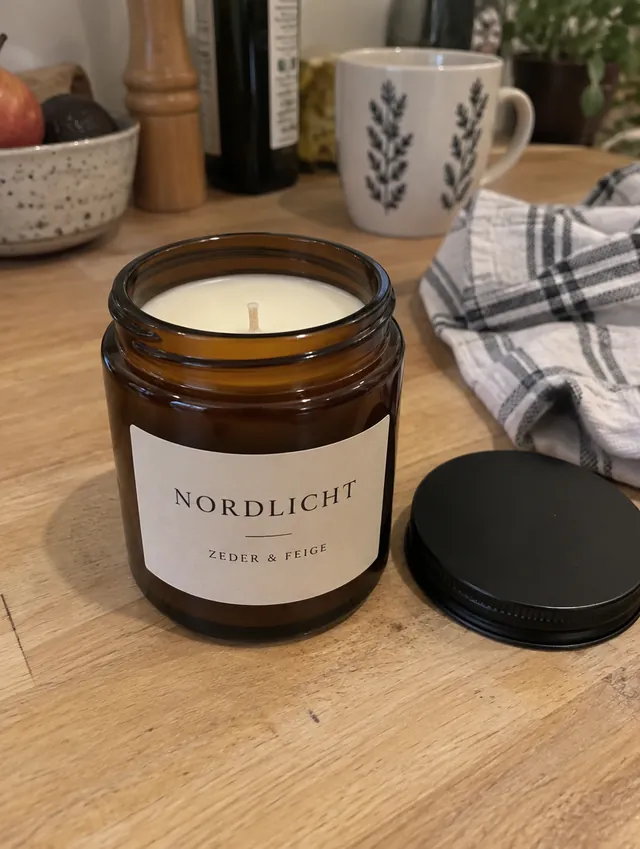
Photo wall with 4 shots
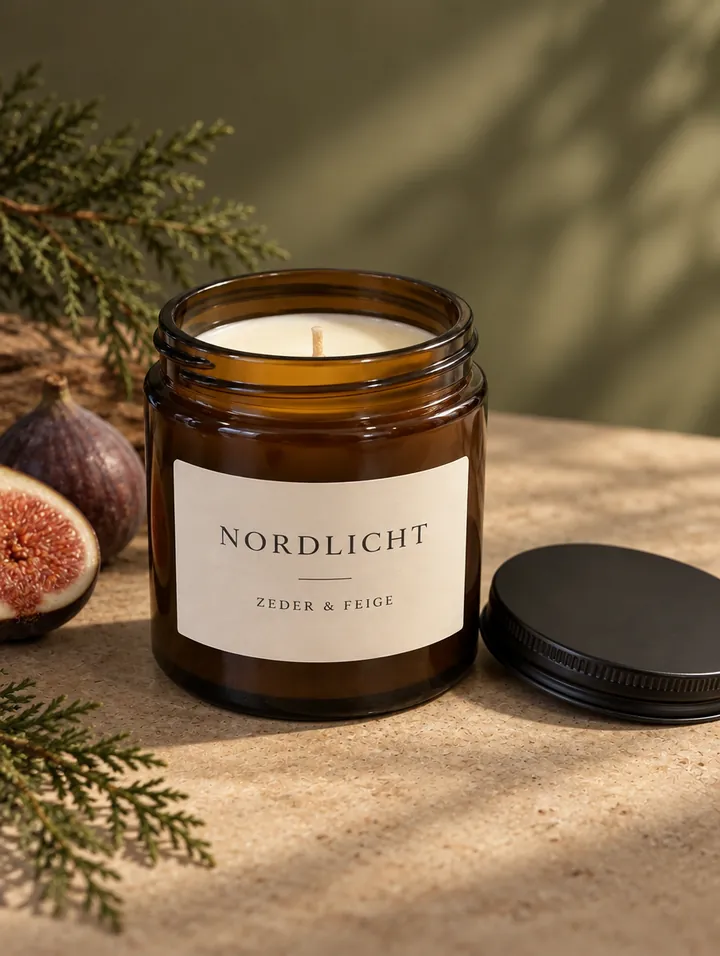 Hero shot
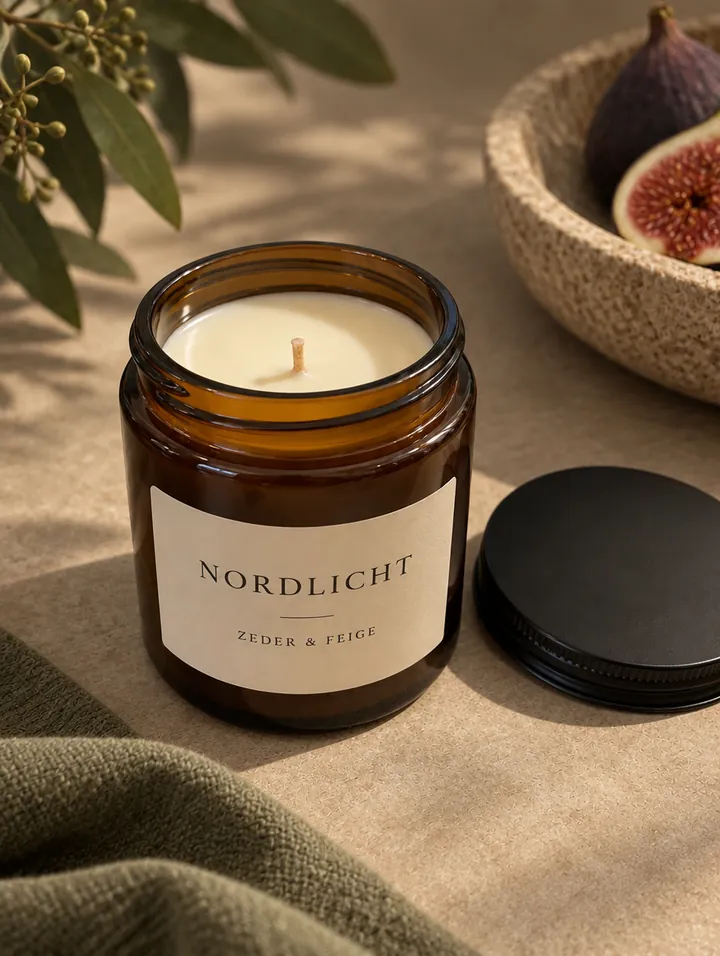 New angle
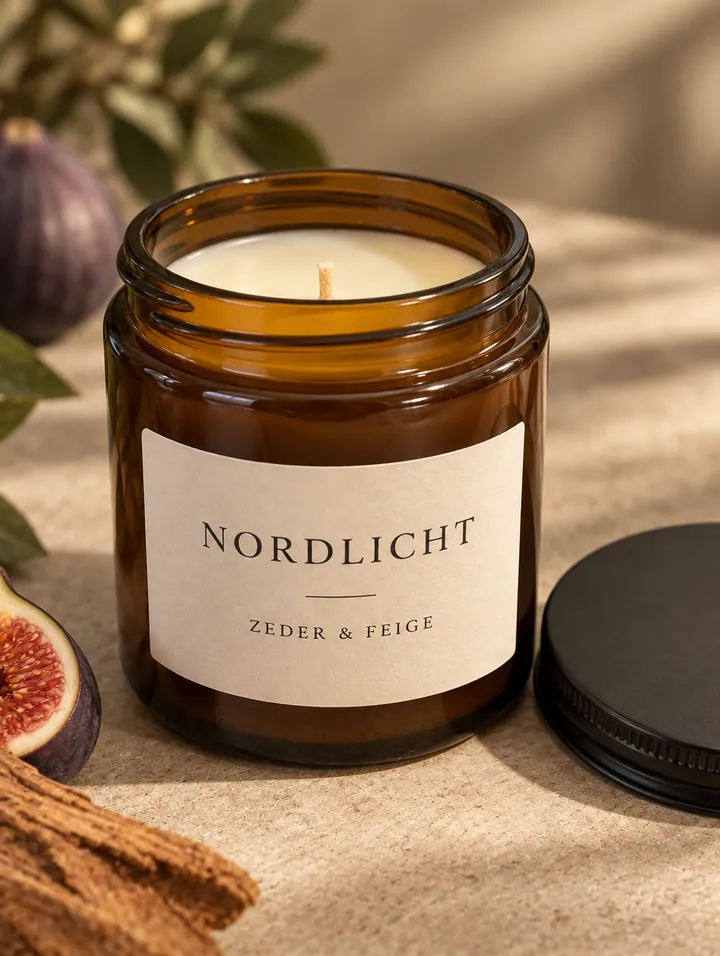 Close-up
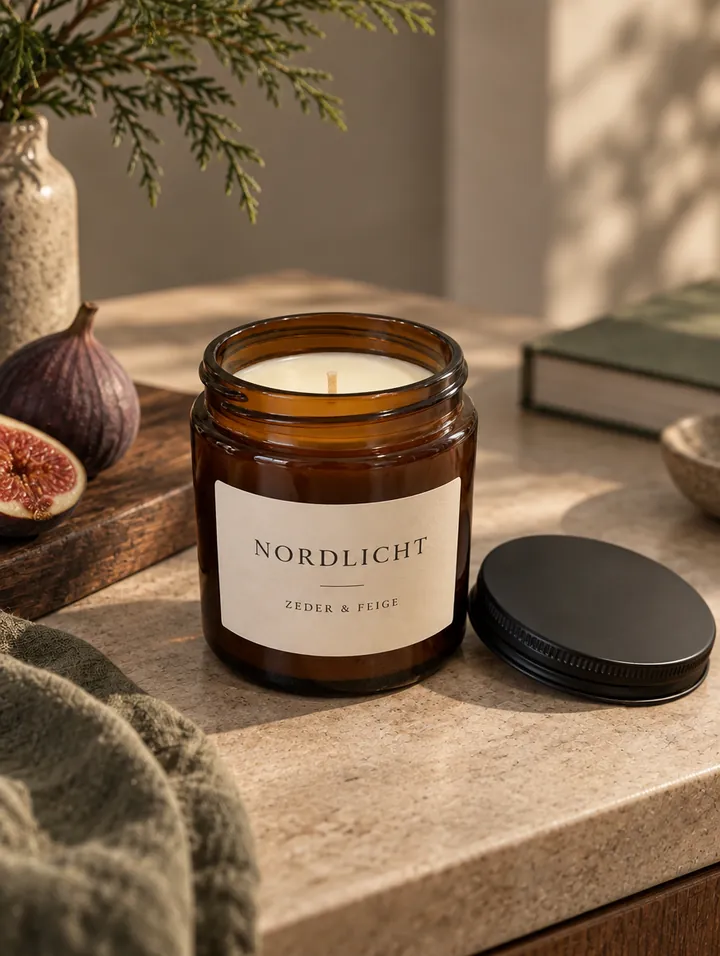 In context
WHAT YOU GET
What Dslop makes from one product photo
- Studio setting: a calm, professional background with believable light and shadow – ideal for your shop and product pages.
- Lifestyle scene: your product in a fitting everyday setting, such as on a table, a shelf or a terrace.
- Graphic set: colour fields, clean shapes and, if you like, your brand name as a large typographic backdrop.
- With or without ad copy: a pure product photo, your brand name as a design element or your own copy. You only adopt copy suggestions you like.
- Variants or photo wall: one, two or four variants – or an ad photo wall with 4, 6 or 8 shots: hero, angle, detail, context, top-down, side view, material and wide shot. The whole set is also available as a free collage download.
- More images in the same style: like a result? Create new angles, details or wider scenes from it.
FROM PHOTO TO AD
Turn any product photo into an ad creative
“Turn into an ad poster” uses a finished product photo as the starting point for an ad. Choose whether the composition and camera angle should stay as close as possible or only the photographic style carries over. You confirm the headline, offer, price and call to action yourself – Dslop does not invent prices or promises.
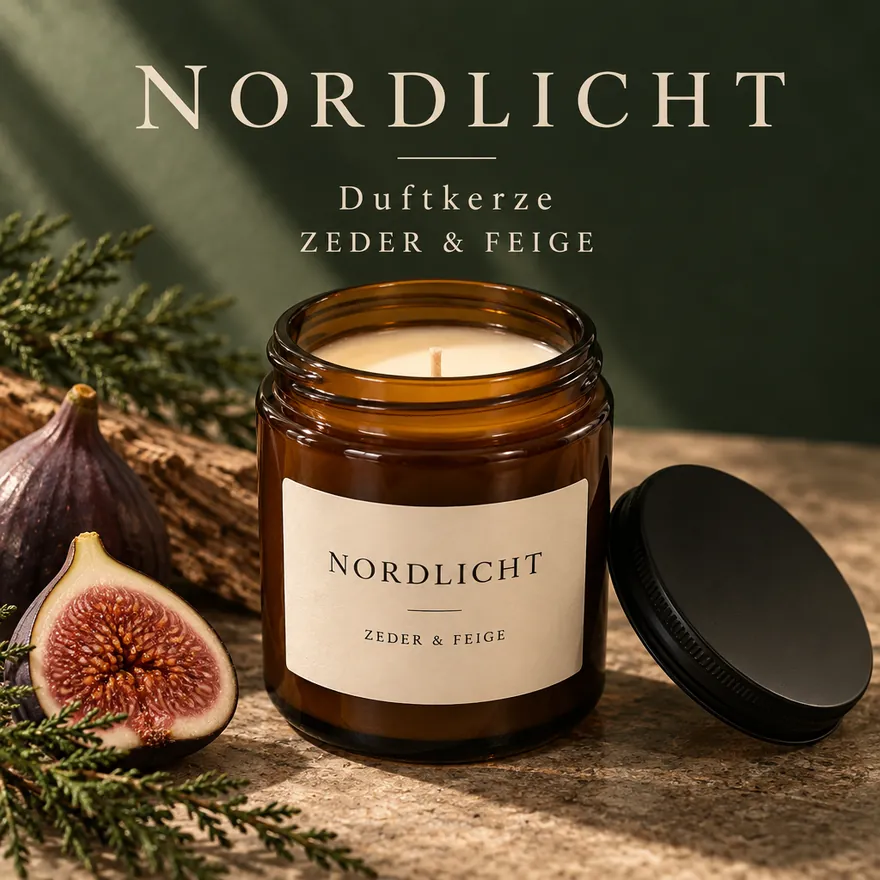
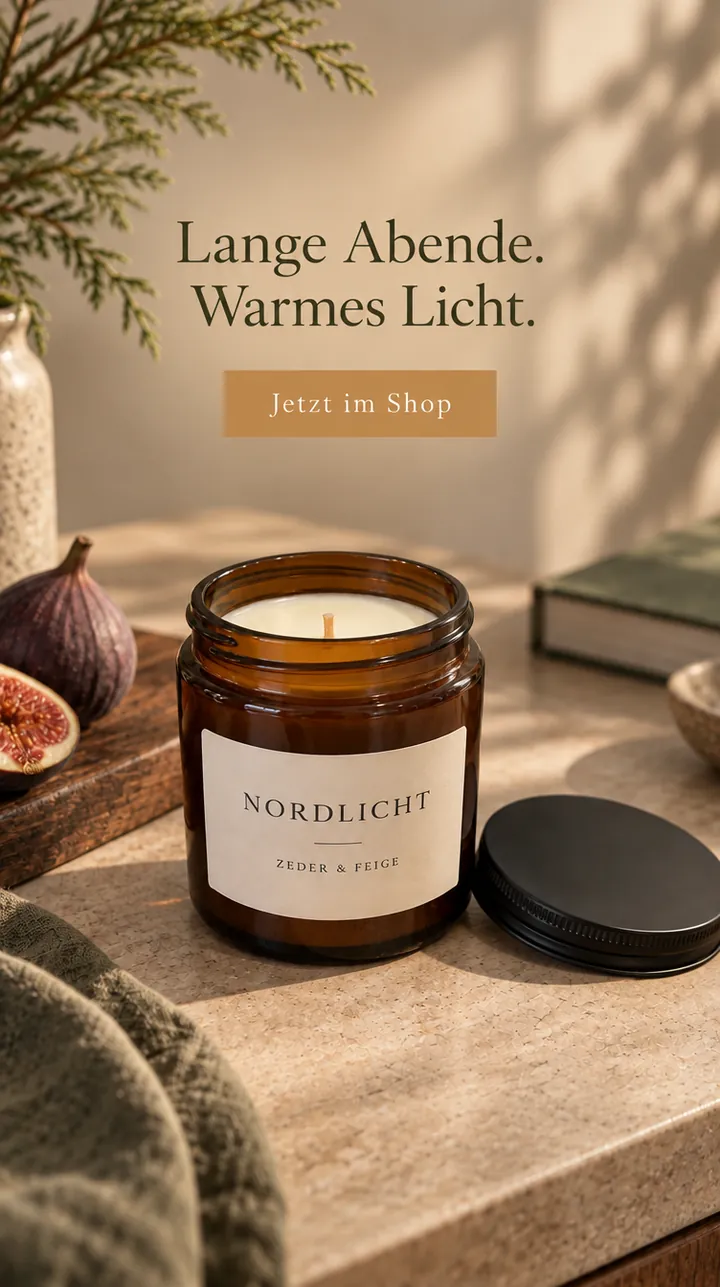
Square (1:1) fits Instagram and Facebook posts, story (9:16) fits stories and story ads, and portrait works for flyers, posters and shop windows. You run the ad itself as usual in your ad account, for example in Meta Ads Manager.
Where can you use the images?
- Online shop: product images for Shopify, WooCommerce, Etsy or your own store.
- Marketplaces: additional gallery images showing context or detail. Check special rules, such as a pure white background for the Amazon main image, before uploading.
- Social media & ads: posts, stories and ad creatives with a consistent look.
- Print & in store: flyers, posters, stands and images for in-store screens.
HOW TO START
Four steps to your product photos
- Upload photos. Up to three photos: several views of one product or a group of different products. Sharp photos with a readable label work best.
- Describe the product. Its name and briefly what it is for and what it is made of. This helps with the setting and details.
- Choose setting, copy and quantity. Studio, lifestyle or graphic; with or without copy; variants or a photo wall. You see the total price before you start.
- Review and use. Download PNGs, create more images in the same style or turn a photo straight into an ad.
Honestly: what you should know
Your product’s shape, colour, material and main logo usually stay clearly recognisable. Small print on packaging, such as nutrition facts, may change, and sides that were not photographed are filled in. Review every image before publishing. Every file contains an invisible AI marker; you can switch a visible “AI” label on or off.
Each finished image costs the same as a design: 10 credits in 1K, 20 credits in 2K. A photo wall with four shots in 1K costs 40 credits. You get 5 free designs to start. See all prices.
Questions about AI product photos
Can I create AI product photos for free?
After signing up you get 50 free credits, enough for five product photos in 1K. After that, an image costs from €0.50 plus VAT, without a subscription.
Do I need good photos or a photo studio?
No. A sharp phone photo in normal light is enough. Make sure the shape and label are clearly visible. Several views help with angles and details.
Can I show several products together?
Yes. Upload up to three photos and specify whether they show one product from different views or a group of different products.
Which formats are available?
Portrait 3:4 and 2:3, square 1:1, story 9:16 and landscape 16:9, each as a PNG in 1K or 2K.
Will my product look exactly the same?
Your product stays recognisable, but not pixel-identical. Small print on packaging may change, so review every image before using it in your shop or an ad.
Can I add copy, a price and my logo?
Yes. Choose your own ad copy or turn a finished product photo into an ad poster. Your logo and brand colours from your brand profile are included; prices and offers come only from details you confirm.
YOUR PRODUCT